Your college laptop might be perfectly fine for coding, attending classes, and preparing assignments. But things change when you start training a machine learning model.
Suddenly, a project that should take minutes can take hours. Your laptop heats up, training slows down, and sometimes the program crashes before producing results.
This is where a cloud GPU for students becomes useful.
Instead of buying an expensive graphics card, students can access GPU computing power over the internet. It makes experimenting with artificial intelligence, deep learning, and computer vision more practical, even with a basic laptop.
But do students really need paid GPU access? Or are free platforms enough?
Let's understand how to choose the right option without wasting money.
Why Do Students Need a Cloud GPU?
Not every programming project requires a powerful graphics card.
If you're learning Python, building websites, or analyzing small datasets, your laptop's CPU may be enough.
However, projects involving neural networks often require significantly more computation.
Consider a final-year student building an image recognition system.
Training a convolutional neural network involves processing thousands of images and repeatedly updating millions of model parameters.
On a regular laptop, this process can be slow.
A GPU performs many mathematical operations in parallel, making it particularly useful for compatible machine learning workloads.
Students commonly use GPU computing for:
. Training image classification models
. Building computer vision applications
. Experimenting with natural language processing
. Fine-tuning smaller language models
. Developing AI-based college projects
. Running deep learning experiments
The important thing is to match computing resources to the actual project instead of selecting the most powerful hardware available.
Free Cloud GPU for Students: Where Should You Start?
If you're just beginning your AI journey, you probably don't need to spend money immediately.
Several platforms provide free access to GPU resources, although availability and usage limits vary.
Google Colab
Google Colab is a popular starting point for students learning machine learning.
It provides a browser-based notebook where you can write Python, execute code, and use supported GPU resources.
Students can experiment with TensorFlow, PyTorch, and other machine learning libraries without purchasing dedicated hardware.
However, free GPU availability isn't guaranteed. Sessions may disconnect, access limits can change, and longer experiments may be interrupted.
For smaller assignments and introductory projects, it's still worth trying.
Kaggle Notebooks
Kaggle also provides hosted notebooks with limited free GPU access.
It's particularly useful for students exploring datasets, participating in machine learning competitions, and practicing model development.
You can experiment with different training techniques without immediately paying for infrastructure.
However, GPU quotas and resource availability can become restrictive for larger projects.
Both platforms are useful for learning. The challenge usually begins when your project needs longer experiments or more control over the environment.
When Should Students Consider a Paid Cloud GPU?
Imagine you've spent weeks building a final-year AI project.
Your code works, your dataset is ready, and you need to train the model before your presentation.
But your free notebook session keeps disconnecting.
Restarting training repeatedly can become frustrating, especially when you're working toward a deadline.
This is when paid GPU computing may be worth considering.
A paid GPU environment can be useful when:
. Your training job requires longer sessions
. You need a specific GPU model or VRAM capacity
. Your project requires custom software
. You want greater control over the computing environment
. Free GPU availability is affecting your progress
That doesn't mean paid infrastructure is necessary for every student.
Start with free resources, understand your actual requirements, and upgrade when those limits become a genuine problem.
How to Choose a Cloud GPU for Students
Selecting the right GPU depends more on your workload than its popularity.
A student building a simple image classifier doesn't necessarily need the same infrastructure as someone fine-tuning a large language model.
For Basic Machine Learning
Projects involving linear regression, decision trees, or small datasets often work well on CPUs.
Using expensive GPU infrastructure for these tasks may offer little benefit.
For Computer Vision Projects
Image classification, object detection, and neural network training can benefit from GPU acceleration.
An appropriately configured mid-range GPU may be enough for many student experiments.
For Deep Learning and NLP
Transformer models and larger neural networks may need more GPU memory.
Check the model's memory requirements, batch size, and expected training duration before selecting hardware.
For LLM Projects
Students experimenting with chatbots or language models should pay particular attention to VRAM.
Model size, precision, context length, and fine-tuning method all influence memory requirements.
Starting with a smaller model is often the most practical approach.
How Much Does Cloud GPU Computing Cost for Students?
One advantage of rented GPU infrastructure is that students can use computing resources without purchasing the hardware.
However, the overall cost depends on the provider, GPU model, billing policy, and usage duration.
Consider a hypothetical GPU rental rate of ₹50 per hour.
If your project requires six hours of computing, the basic estimate is:
₹50 × 6 hours = ₹300
For 20 hours, that becomes ₹1,000.
These are illustrative calculations, not live rental quotes.
Additional charges, taxes, storage, and idle time may affect the final amount.
A useful habit is to estimate how many hours each experiment requires before starting it.
Students can check current GPU rates on Race Engineering to compare available computing options.
Five Ways Students Can Reduce GPU Expenses
A limited budget doesn't have to stop you from building meaningful AI projects.
The key is using GPU resources efficiently.
1. Test Your Code Before Starting GPU Training
Debug your code using a small dataset or CPU environment first.
There's little reason to pay for powerful hardware while fixing basic programming errors.
2. Start With Smaller Models
A smaller neural network may be enough to validate your project idea.
You can experiment with larger architectures after confirming that your training pipeline works.
3. Save Model Checkpoints
Saving checkpoints allows you to resume training instead of starting again after an interruption.
This is particularly useful when working with time-limited computing sessions.
4. Monitor Training Progress
Track training loss, validation accuracy, and processing time.
If model performance stops improving, investigate whether additional training is worthwhile.
5. Stop Unused Resources
Don't leave a billable GPU instance running after your experiment finishes.
Check the provider's billing and shutdown rules, including whether storage or reserved capacity continues to incur charges.
These simple habits can make a noticeable difference when completing multiple experiments.
Can You Build a Final-Year AI Project Using Cloud GPUs?
Yes. Many college AI projects can be developed using remote GPU resources.
For example, imagine a student creating a plant disease detection application.
The project involves collecting leaf images, training an image classification model, and evaluating predictions.
The student can write and test the application locally, then use GPU computing for model training.
Once training finishes, the saved model can be evaluated and integrated into the application.
A similar approach works for projects involving document classification, sentiment analysis, image recognition, and smaller conversational AI systems.
The actual hardware requirements depend on dataset size, model architecture, and training configuration.
Using external computing resources doesn't automatically make a project better. A clear problem statement, reliable dataset, and proper evaluation matter more.
Where Race Engineering Fits Into Student AI Projects
Free computing platforms are useful for learning, but students sometimes need more flexibility when their projects become demanding.
Race Engineering's GPU cloud provides access to GPU infrastructure for machine learning, model training, and other AI workloads.
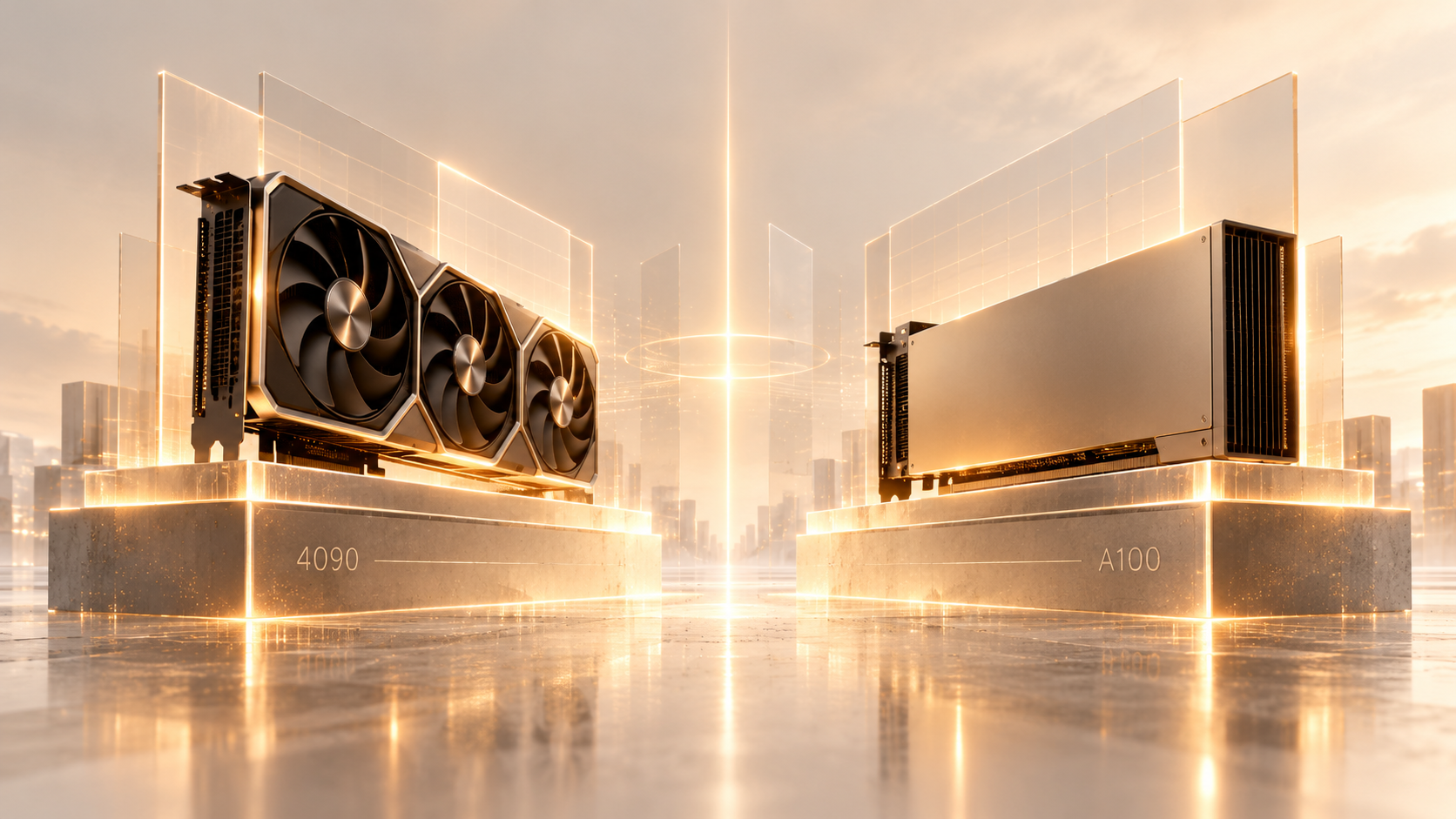
Its available hardware options include NVIDIA L4, RTX-series, A100, and H100 GPUs, with INR-denominated rates displayed on the platform.
For a student working on a demanding assignment or research experiment, renting suitable hardware can be an alternative to purchasing an expensive GPU.
The best approach is to estimate your workload first, compare available resources, and select a configuration that matches your budget.
For technical deployment information, refer to the Race Engineering documentation.
Conclusion
Learning artificial intelligence shouldn't require owning expensive hardware.
A cloud GPU for students makes it possible to experiment with machine learning, train deep learning models, and complete ambitious college projects using remote computing resources.
Start with free tools, understand your workload, and pay for additional capacity only when your project genuinely needs it.
The goal isn't to use the biggest GPU available. It's to have enough computing power to build, test, and finish your project efficiently.
When your workload grows beyond free resources, explore GPU options at Race Engineering and choose a configuration that matches your needs.
Frequently Asked Questions
Q1. Can students use cloud GPUs for free?
Yes. Platforms such as Google Colab and Kaggle provide limited free GPU access. Hardware availability, quotas, and session restrictions may change.
Q2. Is a cloud GPU useful for Python projects?
Yes, particularly when Python projects involve GPU-accelerated deep learning libraries. Basic Python applications often run perfectly well on CPUs.
Q3. Do students need an expensive laptop for AI projects?
Not necessarily. Students can write code on a regular laptop and use remote computing resources for demanding training workloads.
Q4. Which GPU is suitable for final-year AI projects?
It depends on the model, dataset, required memory, and training duration. Start with the smallest configuration that meets your project's needs.
Q5. Is paid GPU computing necessary for beginners?
Usually not. Free platforms are a sensible starting point. Paid resources become useful when hardware limitations or session restrictions prevent meaningful progress