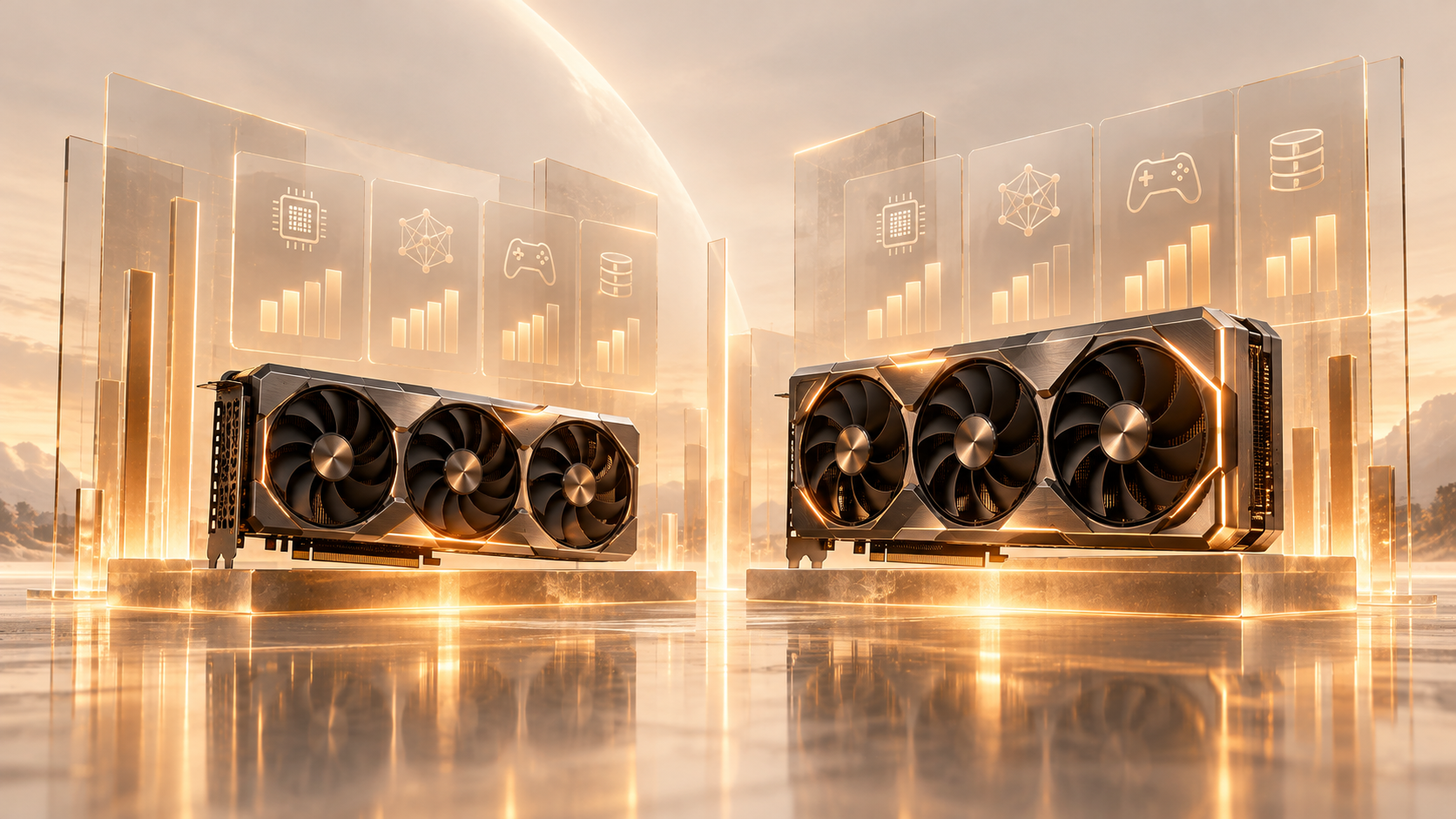
If you've spent any time looking into AI infrastructure, you've probably noticed GPUs get most of the spotlight. Model launches come with GPU specs, cloud providers talk about GPU pricing, and "how many GPUs do I need" is one of the first questions anyone asks when starting a project.
But GPUs never work alone. Every AI system still needs a CPU too, and understanding how the two split the work will help you make smarter, more cost-effective decisions when training a model, fine-tuning one, or simply running it. In this blog, we'll break down GPU vs CPU for AI in plain, simple words, so you know exactly which one your project actually needs.
The Core Difference, in Plain Terms
The easiest way to understand a CPU and a GPU is to look at how each one handles work.
A CPU (Central Processing Unit) is built for flexibility. It has a small number of cores, but each one is powerful and can handle many different types of tasks, often switching between them instantly.
A GPU (Graphics Processing Unit) takes the opposite approach. It's built for doing many things at once, packing in far more cores than a CPU, with each one built to run similar calculations in parallel.
CPUs are still essential for everyday computing. But AI workloads repeat the same math operations across huge amounts of data, and that's exactly the kind of job a GPU is built for.
What Does a CPU Actually Do?
The CPU is the general-purpose brain of a computer or server. It handles the tasks that keep everything running, such as:
. Running the operating system
. Executing application logic
. Managing data
. Running databases
. Handling system-level tasks
. Processing step-by-step workloads
Because CPU cores are fewer but individually stronger, they're great at jobs where order matters or where the type of work keeps changing. This is why CPUs remain the backbone of general computing, even inside AI-heavy systems.
What Does a GPU Actually Do?
GPUs started out as graphics chips, built to render images and video quickly. Over time, that same design, built for massive parallel computation, turned out to be perfect for AI work too.
AI models rely heavily on matrix and tensor calculations, and a GPU can run huge numbers of these operations at the same time instead of one after another. This makes GPUs especially good for:
. Deep learning
. Training and fine-tuning large language models
. Running inference at scale
. Computer vision
. Generative AI
. Scientific computing
This is also why modern data-centre GPUs, such as the H100, H200, and B200, have become the standard choice for demanding AI and high-performance computing (HPC) work.
Why AI Depends So Much on GPUs
Machine learning models rely on operations like matrix multiplication, and at scale, that means multiplying matrices with millions of values.
A CPU works through these calculations mostly one after another. A GPU, on the other hand, can spread that same work across thousands of cores and run much of it at once. This difference in approach is the main reason GPUs speed up AI workloads so dramatically.
A Quick Analogy
Imagine a project where 10,000 houses need to be painted.
A CPU is like a small team of skilled all-rounders, each capable of many different jobs, but there are only a few of them.
A GPU is like a massive team where each person repeats one simple task. If the work can be split into thousands of similar steps, that larger, specialized team finishes far faster.
AI workloads are naturally easy to split into many similar steps, which is exactly why GPUs have become so valuable for this kind of work.
GPU vs CPU: A Side-by-Side Look
|
Feature |
CPU |
GPU |
|
Primary purpose |
General computing |
Parallel computing |
|
Core design |
Fewer, powerful cores |
Many parallel cores |
|
Sequential workloads |
Excellent |
Less suited |
|
Parallel workloads |
Good |
Excellent |
|
AI training |
Fine for small workloads |
Excellent |
|
LLM inference |
Fine for small models |
Excellent at scale |
|
Data preprocessing |
Excellent |
Can help with some tasks |
|
Deep learning |
Limited compared to GPUs |
Highly optimized |
|
Typical AI role |
Control, orchestration, prep |
Model computation |
Do You Still Need a CPU If You Have a GPU?
Yes, and this trips up a lot of people. A GPU doesn't replace the CPU in an AI server; both handle different parts of the same pipeline.
The CPU usually manages:
. Loading training data
. Preprocessing datasets
. Managing applications
. Scheduling workloads
. Handling system operations
. Sending data to the GPU for processing
The GPU then takes over for the heavy computational work, the actual model calculations.
A simplified pipeline looks like this:
Data → CPU (preprocessing) → GPU (model computation) → Results
This is why almost every AI server, from a single workstation to a large training cluster, includes both a CPU and a GPU rather than relying on just one.
Don't Overlook Memory
Processing power isn't the only thing that matters, memory matters just as much.
CPUs typically rely on regular system RAM. GPUs use dedicated, high-speed memory such as GDDR or HBM (High Bandwidth Memory).
For AI work, GPU memory capacity is critical. Model weights, activations, and intermediate data all need to fit inside the GPU's memory during training or inference. As models keep growing, they need more of this high-speed memory, which is exactly why GPUs with large HBM capacities matter so much for training and running large language models.
When a CPU Is the Right Choice
Not every AI task needs a GPU. A CPU is often enough when you're:
. Learning the basics of machine learning
. Running small models
. Doing data preprocessing
. Working with regular software or databases
. Building applications on top of existing AI models
. Running lightweight inference tasks
A student trying out a small model on their laptop, for example, doesn't need a data-centre GPU to get useful results.
When a GPU Becomes Worth It
As your computing needs grow, GPU acceleration starts to pay off. Reach for a GPU when you need to:
. Train deep learning models
. Fine-tune large models
. Run large language models
. Generate images or video
. Process large computer-vision datasets
. Run high-throughput inference
. Handle scientific or HPC workloads
For these kinds of jobs, GPU acceleration doesn't just help, it can cut computation time dramatically. If your project has reached that stage, you can rent GPUs on Race Engineering AI instead of buying expensive hardware upfront.
It's Rarely "GPU vs CPU"
A more useful way to think about it isn't "GPU or CPU", it's "how should the CPU and GPU work together?"
A well-built AI system uses the CPU for general tasks and orchestration, while the GPU handles the highly parallel computation AI models demand. Together, they manage the full workload, from preparing raw data to delivering the final result.
So, Which One Should You Choose?
It really comes down to the size and nature of your workload.
Lean on a CPU when:
. Your workload is fairly small
. You need general-purpose computing
. You're mainly preprocessing data
. You're running lightweight models
. GPU acceleration wouldn't add real benefit
Lean on a GPU when:
. You're training neural networks
. You're working with large AI models
. You need fast inference
. You're fine-tuning LLMs
. You need high-throughput parallel computation
Use both when: you're building a serious, production-grade AI system. In most real-world setups, the CPU manages the system while the GPU speeds up the heavy computational work, and neither one does the job alone.
The Bottom Line
At the end of the day, the difference between a CPU and a GPU comes down to how each one approaches work.
A CPU is built for flexibility, handling varied tasks with a small number of powerful cores. A GPU is built for scale, running huge numbers of similar calculations in parallel.
Because modern AI workloads depend so heavily on parallel math, GPUs have become a core part of AI infrastructure, but they haven't made CPUs obsolete. The two work together, not against each other.
If you're just getting started with machine learning, a CPU may be all you need. But as your models and datasets grow, GPU acceleration becomes less of a luxury and more of a necessity.
Ultimately, the right choice depends on your model, workload, memory needs, performance goals, and budget. When you're ready to move beyond a CPU, Race Engineering AI lets you rent the GPU that fits your workload, without a large upfront cost.
Frequently Asked Questions
1. Can I run AI models using only a CPU?
Yes, but only for small models or light tasks. A CPU can handle basic machine learning, data preprocessing, and small-scale inference. For deep learning or large models, a GPU speeds things up dramatically.
2. Is a GPU always faster than a CPU for AI?
For parallel, repetitive math like training neural networks, yes. But for step-by-step tasks like data loading or running an application, a CPU is still the better and more efficient choice.
3. How many GPUs do I need to train a large model?
It depends on the model size and how fast you want training to finish. Smaller models can run on a single GPU, while large language models often need multiple GPUs working together. You can rent GPUs on Race Engineering AI and scale up as your workload grows.
4. Why does GPU memory (VRAM) matter so much?
Model weights and activations need to fit inside the GPU's memory during training or inference. If a model is too large for the available VRAM, it simply won't run, no matter how fast the GPU is.
5. Do I need a powerful CPU if I already have a good GPU?
Yes. The CPU still handles data loading, preprocessing, and system management, even when the GPU does the heavy computation. A weak CPU can slow down the whole pipeline by not feeding data to the GPU fast enough