Choosing a GPU for AI is usually about compute, VRAM and price.
That works until one GPU becomes two. Or four. Or eight.
Once a workload runs across multiple GPUs, another part of the system starts affecting performance: how quickly those GPUs can communicate with each other.
That is where PCIe, NVLink and NVSwitch come in.
A server can have extremely powerful GPUs and still scale poorly if those GPUs spend too much time waiting for data from one another. On the other hand, paying for the fastest possible interconnect makes little sense if your workload barely needs GPU-to-GPU communication.
So the real question isn't simply which technology is fastest.
It is PCIe vs NVLink vs NVSwitch: which one actually makes sense for your workload?
Let's break it down.
Why Gpu Inter connects matter
When an AI workload runs on multiple GPUs, those GPUs often need to exchange data.
During distributed training, that can include gradients, activations and model parameters. During large language model inference, different GPUs may hold different parts of a model and exchange tensors as each token is generated.
That traffic needs somewhere to go.
The GPU interconnect is effectively the road connecting the GPUs.
If communication represents only a tiny part of the workload, the road does not need to be exceptionally wide.
But when GPUs constantly exchange large amounts of data, the connection itself can become a bottleneck.
The result can be lower GPU utilisation, slower training iterations, weaker multi-GPU scaling and higher inference latency.
That is why looking only at GPU FLOPS or VRAM doesn't tell you everything about multi-GPU performance.
What Is PCIe?
PCI Express, or PCIe, is the standard interface used to connect GPUs, storage devices, networking hardware and other components inside a server.
It is a general-purpose technology rather than something designed exclusively for GPUs.
Modern PCIe generations offer substantial bandwidth.
A PCIe Gen4 x16 connection provides roughly 64 GB/s of aggregate bidirectional theoretical bandwidth, while PCIe Gen5 x16 roughly doubles that to 128 GB/s.
For a large number of AI workloads, that is enough.
If you are running a single GPU, independent jobs on different GPUs or workloads where GPUs rarely need to exchange information, PCIe can deliver perfectly good performance without the additional cost of a more specialised multi GPU interconnect.
When PCIe makes sense
PCIe is worth considering when:
. you're running single-GPU workloads
. multiple GPUs are handling independent tasks
. you're experimenting with smaller models
. GPU-to-GPU communication is limited
. cost efficiency matters more than maximum scaling
. you're running inference that does not require heavy model parallelism
This is why NVLink vs PCIe should never be treated as a simple faster-versus-slower comparison.
The workload matters.
What Is NVLink?
NVLink is NVIDIA's high-speed interconnect technology designed specifically for accelerator communication.
Instead of relying only on PCIe for data movement, supported NVIDIA GPU systems can use NVLink to create much faster paths between GPUs.
This becomes valuable when the workload requires frequent GPU to GPU communication.
For example, a large model may be split across several GPUs using tensor parallelism. Different GPUs then need to exchange intermediate results repeatedly as the model performs its calculations.
More communication means more pressure on the interconnect.
NVLink addresses that problem with substantially higher bandwidth than conventional PCIe connections on supported systems.
For example, fourth-generation NVLink on H100/H200-class SXM systems can provide up to roughly 900 GB/s of aggregate bidirectional bandwidth per GPU.
The exact performance you experience still depends on the GPU, system topology, workload and software stack.
And importantly, greater NVLink bandwidth does not automatically translate into the same percentage increase in application performance.
If communication isn't slowing your workload down, making communication faster can only help so much.
PCIe vs NVLink: What's the Practical Difference?
The easiest way to think about it is this:
PCIe is designed to connect many kinds of hardware.
NVLink is designed to let supported accelerators communicate very quickly.
| Factor | PCie | NVLink |
| GPU communication | Supported | Purpose-built for it |
| Bandwidth | Lower | Significantly higher on supported systems |
| Availability | Very broad | Specific NVIDIA platforms |
| Cost | Generally lower | Generally premium |
| Ideal workload | Light communication | Communication-heavy multi-GPU workloads |
If four GPUs are processing four independent inference jobs, NVLink may have relatively little to do.
If those same four GPUs are jointly running one large model and continuously exchanging tensors, the interconnect becomes much more important.
That distinction is what should drive your infrastructure choice.
What Is NVSwitch?
NVSwitch is often confused with NVLink, but they are not competing technologies.
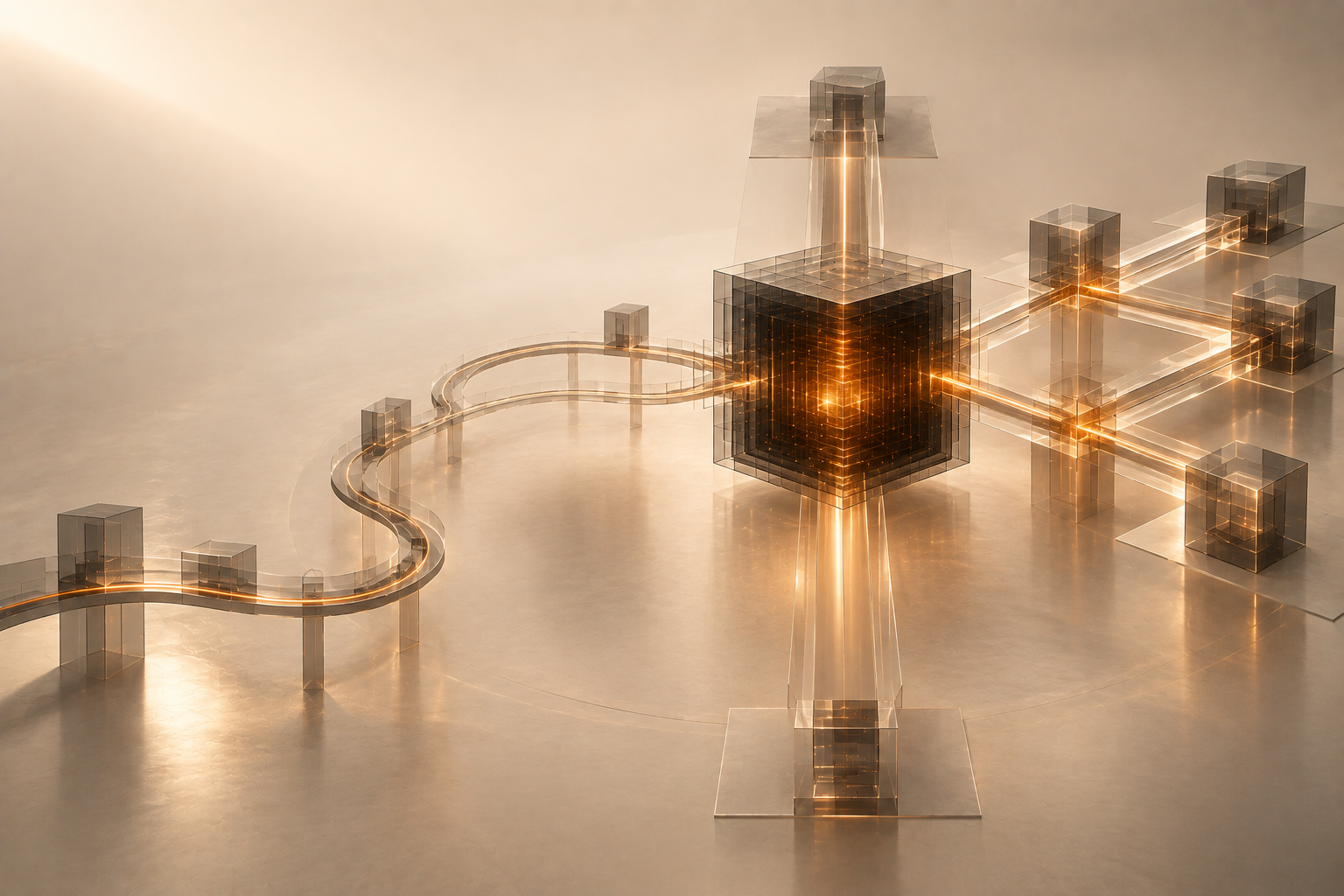
NVLink provides the high-speed connections. NVSwitch connects those connections into a larger switching fabric.
Think of NVLink as a high-speed road between GPUs.
NVSwitch is the interchange that allows many of those roads to connect efficiently.
This becomes particularly useful inside dense multi-GPU systems where several GPUs need high-bandwidth communication with one another.
Instead of thinking about individual point-to-point links, an NVSwitch-based architecture creates a more flexible fabric for GPU communication.
That is why NVSwitch is commonly associated with high-end AI systems built for large-scale training and inference.
NVLink vs NVSwitchA simple way to remember the difference is:
NVLink = link
NVSwitch = fabric
In an NVLink vs NVSwitch comparison, asking which is better isn't really the right question because they solve different parts of the same problem.
NVLink handles high-speed communication between supported accelerators.
NVSwitch helps connect multiple NVLink-enabled GPUs into a high-bandwidth communication fabric.
For smaller deployments, that level of infrastructure can be unnecessary.
For dense multi-GPU workloads with heavy all-to-all communication, it can become significantly more relevant.
PCIe vs NVLink vs NVSwitch: Quick Comparison
| PCIe | NVLink | NVSwitch | |
| What is it? | General I/O interface | GPU interconnect | NVLink switching fabric |
| Main purpose | Connect system devices | Fast GPU communication | Connect many GPUs |
| Typical usage | Single/light multi-GPU | Heavy multi-GPU workloads | Dense GPU systems |
| Availability | Very common | Supported NVIDIA systems | High-end GPU platforms |
| Best fit | Independent workloads | Model/tensor parallelism | Large interconnected systems |
The important takeaway is that there is no universal winner.
Your workload should determine which architecture makes sense.
When Does NVLink Matter for AI Training?
Large-model training is one of the clearest cases where GPU communication can become important.
Suppose a model is distributed across several GPUs.
Those GPUs may need to synchronise gradients, exchange activations or communicate during different stages of the model.
As you add GPUs, the amount of useful compute can increase but so can communication overhead.
That is why simply moving from one GPU to eight GPUs does not guarantee an 8x reduction in training time.
If communication becomes the limiting factor, higher-bandwidth connections such as NVLink can help improve scaling efficiency.
But don't automatically blame the interconnect for poor performance.
Data loading, CPU performance, storage speed, networking, model architecture and parallelisation strategy can all create bottlenecks too.
Profile the workload first.
What About LLM Inference?
Interconnect requirements during inference depend heavily on how the model is deployed.
If the entire model fits on one GPU, inter-GPU bandwidth is largely irrelevant.
Similarly, if several GPUs are each serving separate model replicas, communication between them can remain limited.
The situation changes when one model is split across GPUs.
Tensor-parallel LLM inference requires GPUs to exchange data repeatedly during generation. With large models, demanding latency targets or high production throughput, interconnect performance can start affecting tokens per second and response latency.
That is where NVLink-enabled systems can become more valuable.
Don't Choose a Multi-GPU Server From the GPU Name Alone
Two servers can contain the same GPU model and still deliver different multi-GPU behaviour.
Before renting compute, check more than the model name.
Ask:
. Is the GPU PCIe or SXM?
. Is NVLink available?
. Is NVSwitch present?
. How are the GPUs connected?
. How much VRAM is available per GPU?
. What does the topology look like?
. Does your workload actually need high GPU-to-GPU bandwidth?
For NVIDIA environments, nvidia-smi topo -m can also help you inspect how GPUs and other system components are connected.
Then benchmark the workload itself.
Look at GPU utilisation, communication time, training throughput, scaling efficiency, tokens per second and latency.
Infrastructure decisions become much easier when you measure the bottleneck instead of guessing it.
So Which One Should You Choose?
A useful rule of thumb is:
Choose PCIe when
Your workload runs on a single GPU, GPUs work mostly independently, you're experimenting or communication represents a small part of runtime.
Look for NVLink when
One workload is distributed across several GPUs, tensor or model parallelism is important, or profiling shows communication is holding back performance.
Look for NVSwitch-backed systems when
You need a dense multi-GPU environment where several GPUs require high-bandwidth communication across the system.
The most expensive configuration isn't automatically the best value.
The best system is the one your workload can actually use.
Running AI Workloads on Race Engineering
Race Engineering provides GPU cloud infrastructure for teams that want to train, fine-tune, experiment and run AI workloads without purchasing their own GPU hardware.
The important part isn't simply renting the GPU with the biggest specification.
It is choosing infrastructure that matches the workload.
For one project, that could mean a cost-efficient GPU for experimentation. For another, it could mean high-memory H200-class infrastructure for demanding AI workloads.
Before scaling a large run, test your actual model and measure where time is being spent.
Compute is valuable when your workload can use it.
If the GPUs spend their time waiting on communication, the interconnect matters.
If they don't, paying for bandwidth you aren't using won't improve the economics.
Explore GPU infrastructure on Race Engineering and benchmark your workload before you scale.
Final Thoughts
The PCIe vs NVLink vs NVSwitch decision isn't really about picking the technology with the largest bandwidth number.
It's about finding the bottleneck.
PCIe is flexible, widely available and sufficient for many AI workloads.
NVLink becomes important when GPUs need to communicate frequently and quickly.
NVSwitch takes that idea further by providing a fabric for communication across multiple NVLink-connected GPUs.
So before paying for a bigger multi-GPU system, profile your workload.
If you're compute-bound, prioritise compute.
If you're memory-bound, prioritise memory.
And if your expensive GPUs are spending too much time waiting for each other, that's when the interconnect deserves your attention.
Frequently Asked Questions
Q1. Is NVLink faster than PCIe?
For supported GPU-to-GPU communication, NVLink provides substantially higher bandwidth than conventional PCIe connections. Whether that produces a meaningful application speedup depends on how communication-heavy the workload is.
Q2. Do I need NVLink for multiple GPUs?
No. Many multi-GPU workloads work effectively over PCIe, especially when GPUs run largely independent tasks. NVLink becomes more useful when one workload requires frequent communication across GPUs.
Q3 . What is the difference between NVLink and NVSwitch?
NVLink is a high-speed accelerator interconnect. NVSwitch is a switching technology used to connect multiple NVLink-enabled GPUs into a larger communication fabric.
Q4. Is NVLink useful for LLM inference?
It can be valuable when a large model is split across several GPUs using tensor parallelism. If the model fits on one GPU or each GPU serves an independent replica, the benefit can be smaller.